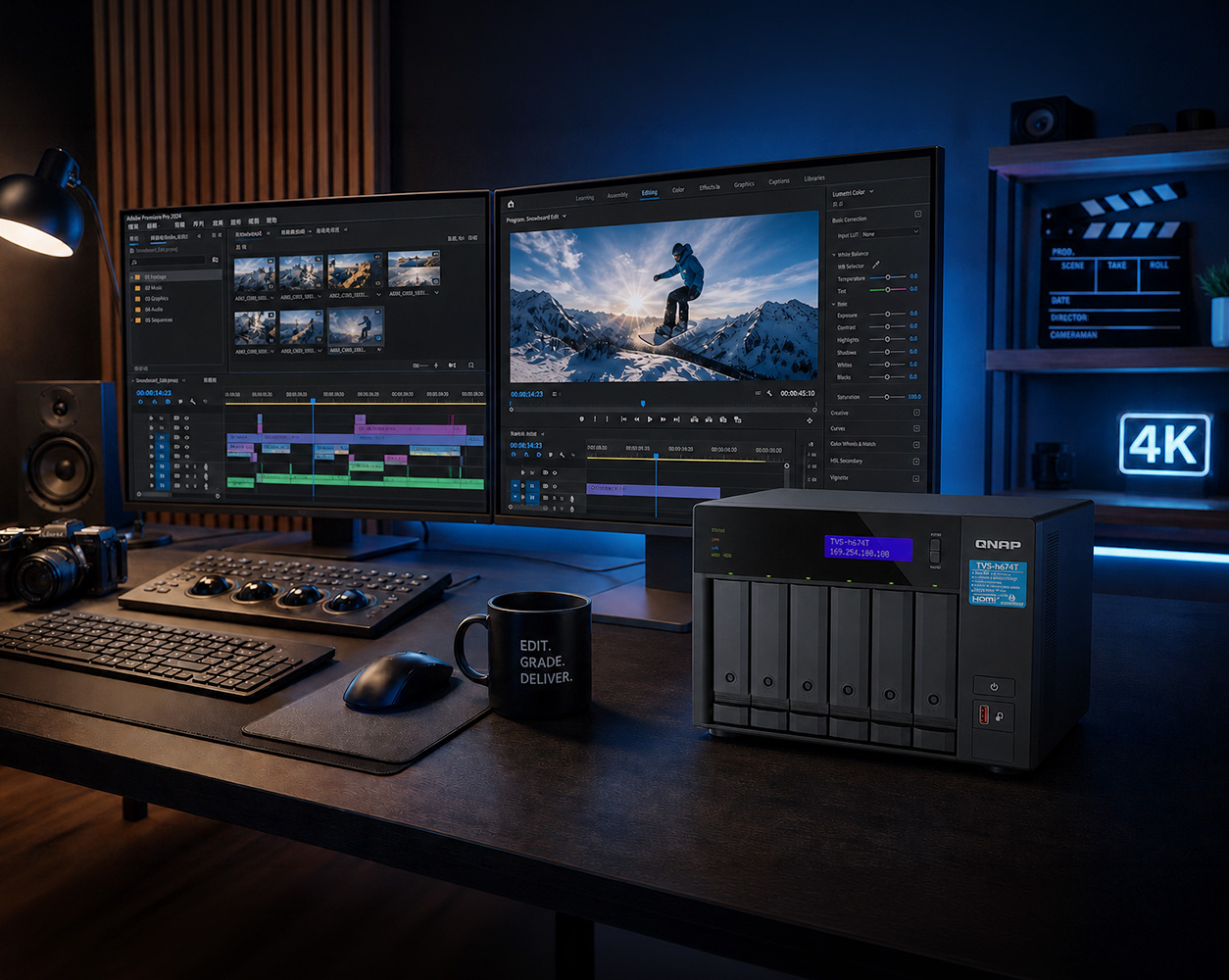



As an official Adobe Video & Audio Partner, QNAP delivers the ultimate storage solution for video editors, animators, and creative professionals using Premiere Pro, After Effects, and Photoshop. Stop letting your hardware dictate your deadlines, and invest in an infrastructure that seamlessly integrates and scales with your ambition.
It means our NAS solutions are rigorously tested and certified to work seamlessly with the Adobe Creative Cloud suite.
When your livelihood depends on uninterrupted creative flow, you cannot rely on consumer-grade storage. While Adobe officially recommends using high-speed SSDs for your operating system and media cache, attempting to store terabytes of 4K/8K raw footage on internal SSDs is financially impossible. QNAP bridges this gap. By providing enterprise-grade network storage that meets Adobe’s strict performance standards, QNAP ensures absolute stability for your most demanding projects without network-related latency, dropped frames, or system crashes.
To understand why a QNAP NAS is the definitive choice in 2026, we must first look at why the "Cloud + Portable HDD or SSD" workaround breaks down under professional creative workloads.
Is Relying on External HDDs Ruining My Team's Productivity?
Yes. Relying on multiple external HDDs creates a disorganized "sneaker net" that introduces massive time delays, severe version control errors, and the catastrophic risk of losing a drive entirely.
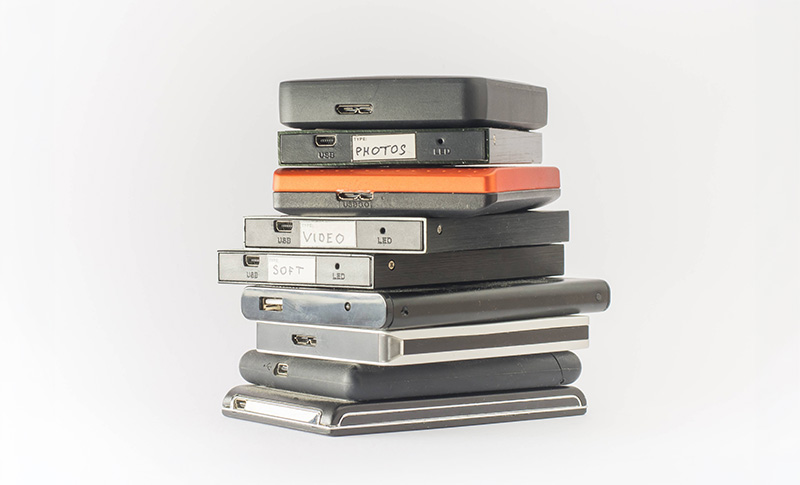
For many creators, running out of space means buying yet another portable external HDD or SSD. Over time, this creates a disorganized maze of drives, making it a nightmare to find the latest version of a project file and preventing teams from collaborating efficiently.
Is Cloud Storage Better Than a NAS for Video Editing Teams?
No. Syncing hundreds of gigabytes of 4K raw footage to the cloud is excruciatingly slow, and paying for enterprise cloud storage creates a "ROI Trap" that costs thousands of dollars in non-refundable recurring fees.
Comparing the cost of a high-capacity NAS to a single portable hard drive is inherently flawed. The true cost must be calculated as Total Cost of Ownership (TCO) over 3 years. A QNAP NAS is a one-time investment that pays for itself by eliminating recurring fees while providing seamless local collaboration.
Why Does Premiere Pro Use So Much Storage and Crash My PC?
Adobe applications require immense processing power and instantly max out standard 256GB/512GB internal SSDs by generating massive media cache files and using local storage as a "Scratch Disk".
This bottlenecks the operating system, significantly increasing the risk of app crashes. A QNAP NAS offloads your heavy video assets, allowing your PC's internal SSD to dedicate 100% of its resources to Adobe's system processes.
A QNAP NAS is not just a place to park dead files. It acts as a high-performance external engine that gives you the speed of local storage with the collaborative power of a server.
Can a NAS Match the Speed of Direct Attached Storage (DAS)?
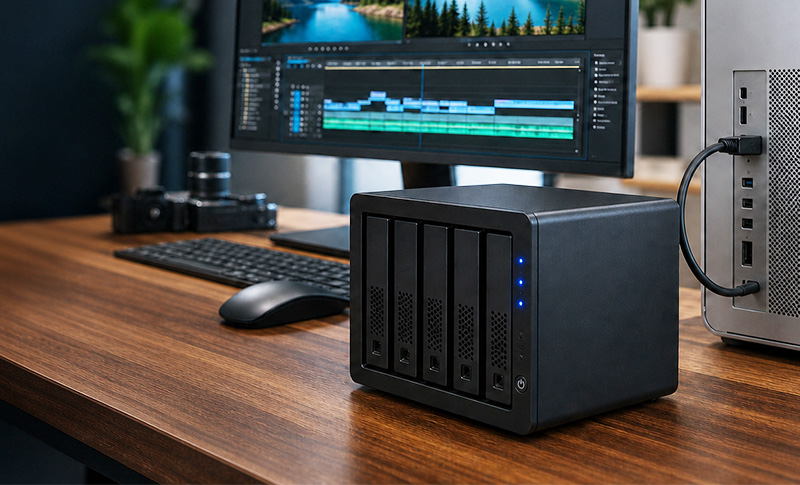
Yes. QNAP's creator-focused NAS units feature built-in Thunderbolt™ 4 ports, delivering DAS-level speeds. In real-world AJA System Test benchmarks, QNAP achieves 2,252 MB/s Write and 2,004 MB/s Read.
Skip the complex network configurations. Connect your Mac Studio or Windows Creator PC directly to the NAS with a single cable to get the bandwidth required to scrub through multi-cam 4K timelines directly off the NAS without dropping a single frame.
In tested environments using Thunderbolt 4 models with SSD installed, RAID 5, thick volume.
Should I Use an SSD or HDD for Video Editing?
You should use both by creating dedicated SSD and HDD storage pools.
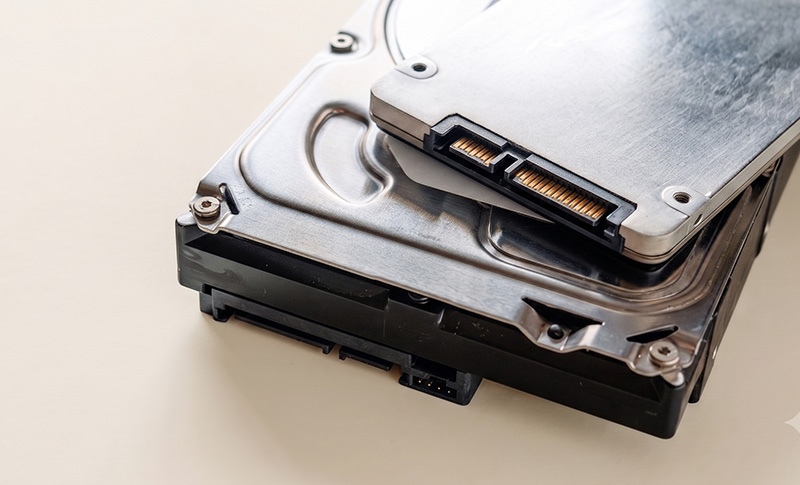
SSDs are extremely fast but expensive for bulk storage; HDDs are highly cost-effective but too slow for live editing. The most reliable workflow is configuring two separate volumes on your QNAP NAS: a fast SSD pool (M.2 NVMe, U.2, E1.S, or SATA) as your "active workspace", and a high-capacity HDD pool for long-term archiving.
(Note: Each NAS model has different compatibility for SSD form factors. Please check before purchasing.)
Can a NAS Replace My Monthly Cloud Subscriptions?
Absolutely. A QNAP NAS operates as your own subscription-free private cloud.
Access your entire media library from anywhere in the world, sync files automatically across devices, and generate password-protected download links for clients—all with zero recurring monthly costs.
Calculate your total spending on cloud subscriptions and portable SSDs over 3 years. See the true cost of your current storage strategy.
That's approximately $122/month wasted on fragmented storage.
A professional QNAP NAS is a one-time investment that costs a fraction of this amount, while providing 2,000+ MB/s local speeds with massively scalable capacity. Stop paying the cloud tax.
Professional storage needs three things: blazing-fast speeds, scalable capacity, and true team collaboration. See which solution actually delivers all three.
Great for individuals, but doesn't scale for teams.
Best for archival and remote sharing, not production.
The only solution that ticks all three boxes.
QNAP NAS combines portable SSD speeds with scalable capacity and true team collaboration—all on a local LAN with zero internet bottlenecks.
Portable SSDs are fast but isolated—only one editor can work at a time, leading to file version chaos.
Cloud storage enables collaboration but is too slow for real-time 4K/8K editing workflows.
Based on your team size, performance requirements, and network environment, here are our officially recommended QNAP NAS models for Adobe Creative Cloud workflows.
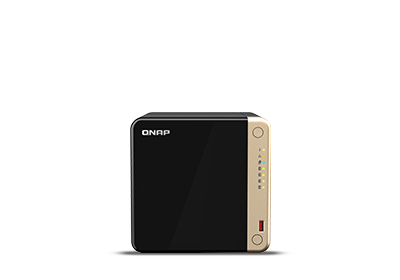
TS-464
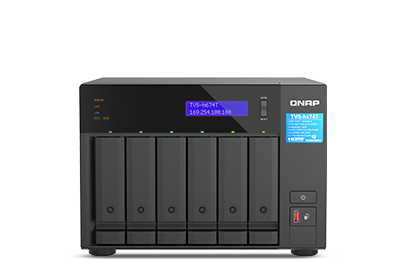
TVS-h674T
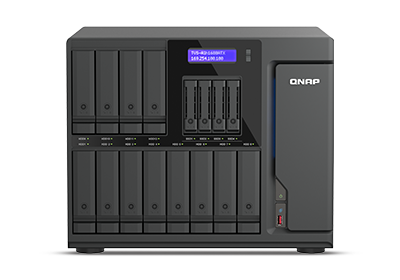
TVS-AIh1688ATX
Common questions about QNAP NAS for Adobe Creative Cloud workflows.
Do I Need a NAS or Can I Just Use External SSDs?
External SSDs work for individuals, but they create collaboration nightmares for teams.
With multiple SSDs, you face version control chaos, file duplication, and the constant risk of losing a drive. A NAS centralizes everything and allows multiple editors to work on the same project simultaneously without conflicts.
Is a QNAP NAS Compatible with My Mac and Windows Workflow?
Yes. QNAP NAS units work seamlessly with both macOS and Windows.
Whether you're using Mac Studio, MacBook Pro, or Windows Creator PCs, QNAP provides native support for both operating systems. Thunderbolt 4 connections ensure maximum compatibility and speed.
How Do I Connect a Larger Team of Editors (5+ Users) to the NAS?
For larger teams, QNAP provides high-speed Network Switches to easily build a collaborative 2.5GbE or 10GbE editing environment.
While Thunderbolt 4 is perfect for directly connecting 2 to 4 creators, growing studios need a network-based approach. By integrating a QNAP 10GbE or 2.5GbE switch, multiple Mac and Windows workstations can simultaneously access and edit massive video projects on the NAS without any bottlenecks. This provides a seamlessly scalable infrastructure as your team expands.
What Happens If My NAS Fails? Will I Lose All My Data?
No. QNAP NAS units support RAID configurations that protect against drive failures.
Most professional QNAP models support RAID 5 or RAID 6, which means you can lose one or even two drives without losing any data. We also recommend regular backups to a secondary location for mission-critical projects.
Can I Access My NAS Files Remotely?
Yes. You can securely access your files from anywhere using myQNAPcloud, QNAP's free and user-friendly remote access service.
You don't need to be an IT expert or deal with complex router settings. myQNAPcloud acts as a secure relay, allowing you to access your media library, sync files, and share password-protected links with clients or remote team members—just like a standard cloud service, but without the monthly fees.
Contact our sales team for a custom QNAP NAS recommendation based on your specific workflow and budget.