


How to update BIOS version of NAS series TS-x73AU
Date de la dernière modification :
2022-06-24
Applied Products:
-
NAS Series TS-X73AU
-
All QTS Firmware Versions
This NAS serie does not include any video port output (No HDMI™ , VGA …)
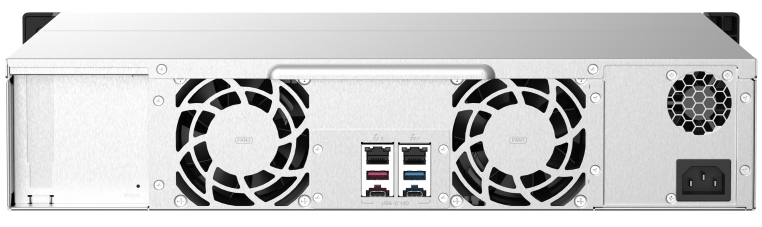
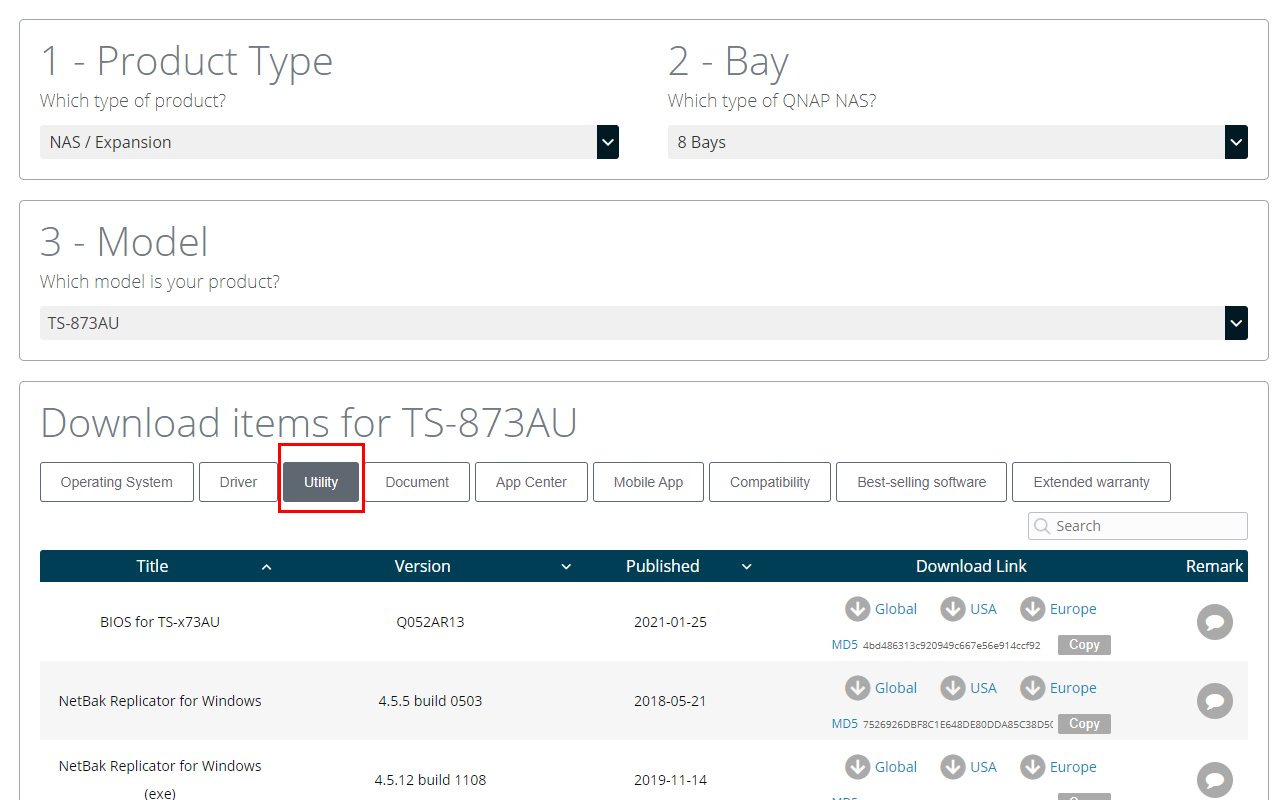
To be able to update the NAS BIOS version, you will need first to plug a compatible GPGPU card (cmopatibility list can be found here) to have a video output port. You can then download the latest BIOS version from our Download Center in the “Utility” section.
Finally follow the instructions of the below guide to complete the process:
Est-ce que cet article a été utile ?
29% des utilisateurs pensent que ces informations sont utiles.
Besoin d'aide supplémentaire ?
Posez votre question dans la communauté QNAP. Le personnel QNAP et des utilisateurs expérimentés vous répondront.


