


How to install a Qfix?
Last modified date:
2022-04-06
Qfix is an update for QTS - the Turbo NAS operating system. It updates software functionalities or protect against vulnerabilities, malware and security exploits. You can download Qfix from the QNAP website (Download Center) and install it using the following instructions. As this will require restarting your system, do not do it when you require services from your Turbo NAS.
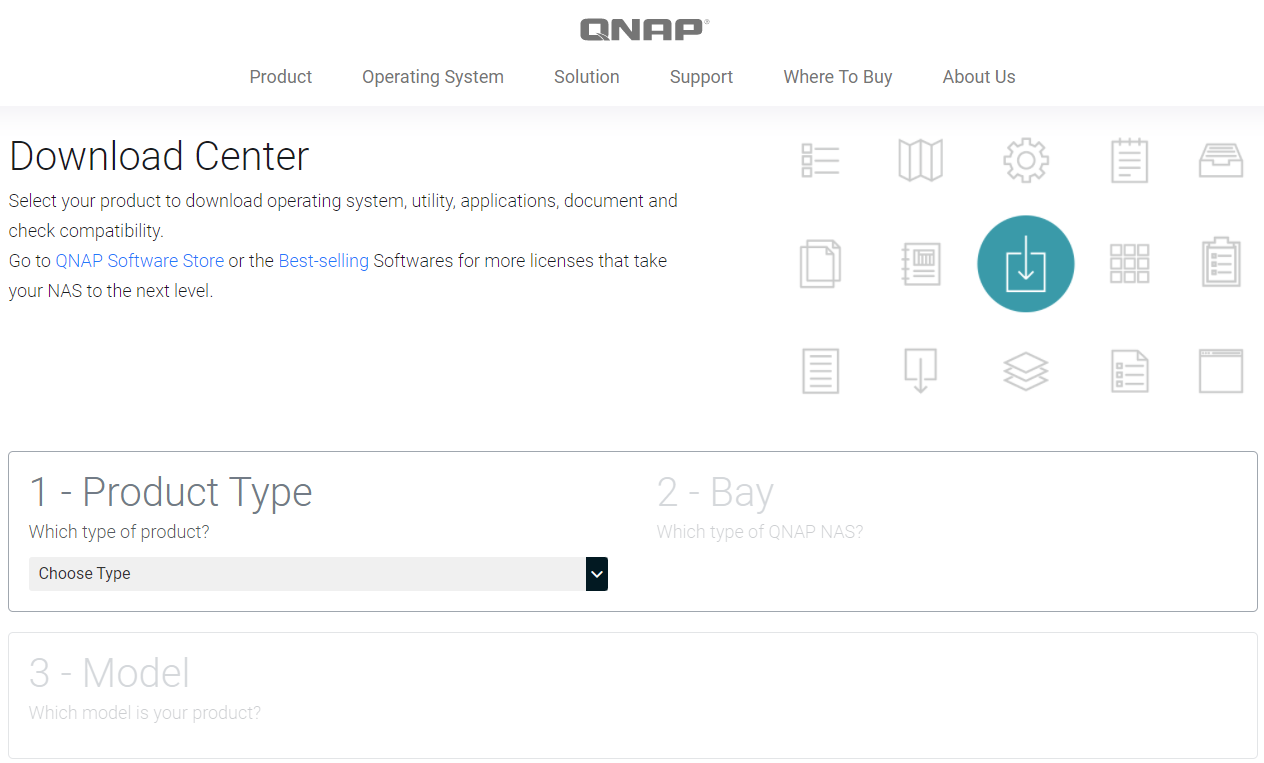
- Go to the QNAP website (Download Center) and choose your Turbo NAS model.
- Select "Operating System", find Qfix from the list and choose to download from the Global, European or United States server depending on your location.

- Unzip the Qfix file on your PC. Login to your Turbo NAS as the admin, go to “Control Panel” > “Firmware Update” and choose the “Firmware Update” tab. Follow the on-screen instructions to install Qfix. You will have to restart the system after it is finished.


- Confirm the installation by going to “Control Panel” > “QuLog Center”.

Still need help?
Post your question in QNAP Community. QNAP staff and experienced users will reply.


