


Where can I find the NAS reset button?
Last modified date:
2026-10-28
Applicable Products
All NAS series
Explanation
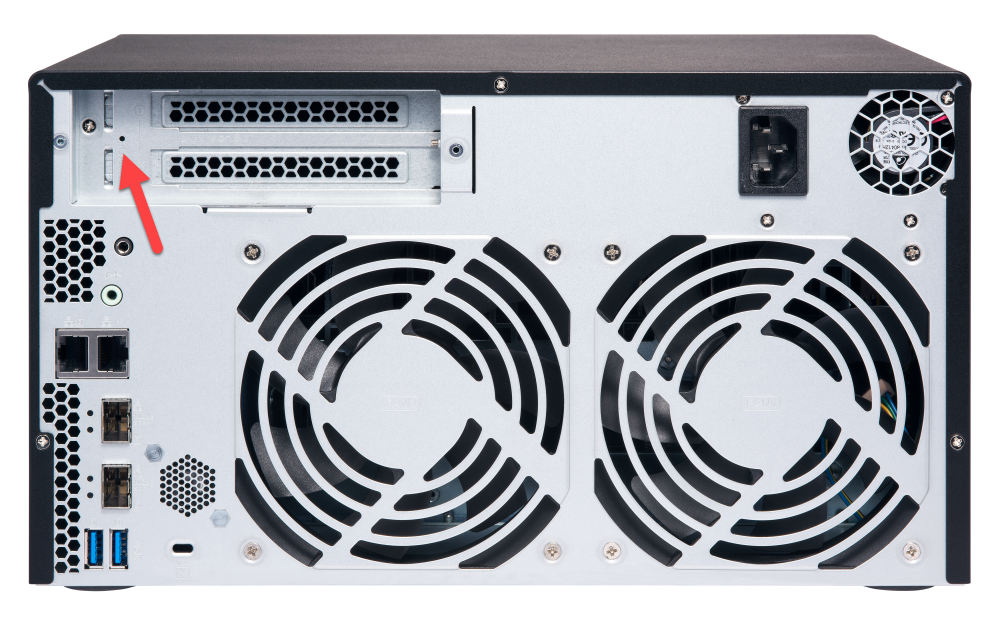
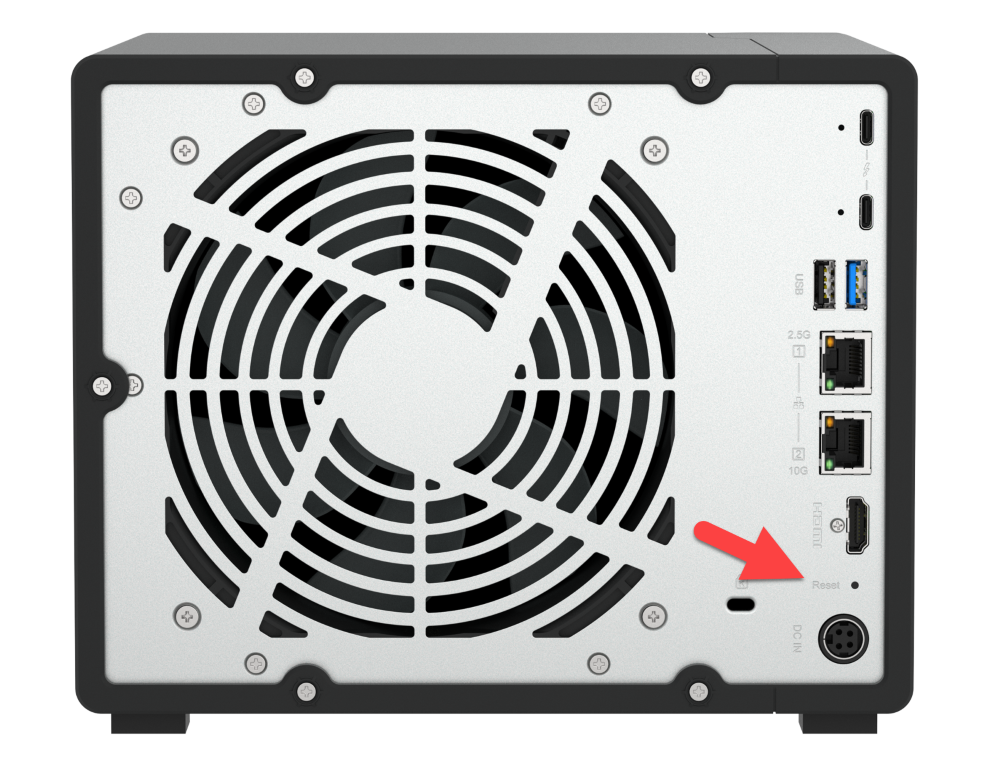
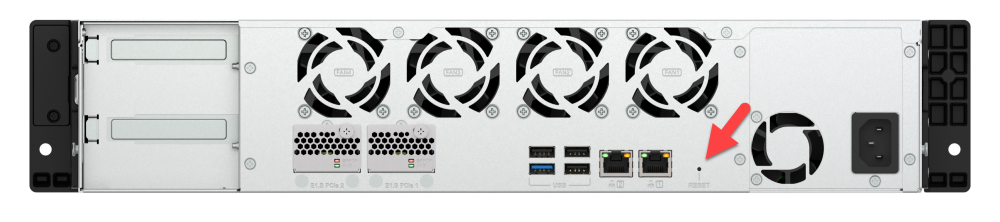
The hardware reset button is located on the back of the NAS. The actual location varies depending on the NAS model.
On the rear panel of the NAS, try looking for a small hole that has the Reset label above or below it.
To press the reset button, use a paper clip or a similar tool.
Below are several typical locations of the reset button:
TS-832X
TS-462A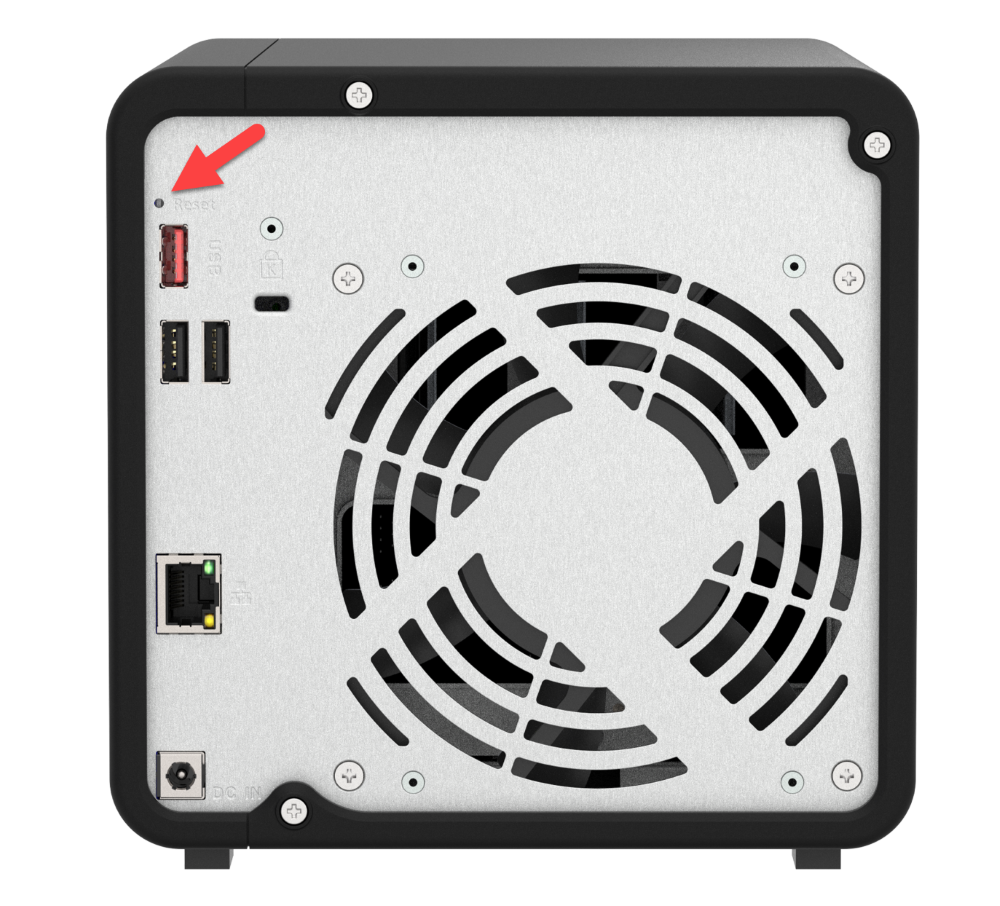
TS-h966X
TS-h1065eU
Still need help?
Post your question in QNAP Community. QNAP staff and experienced users will reply.


