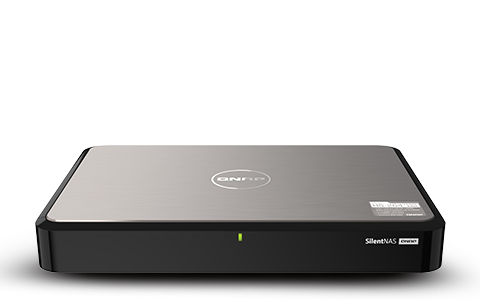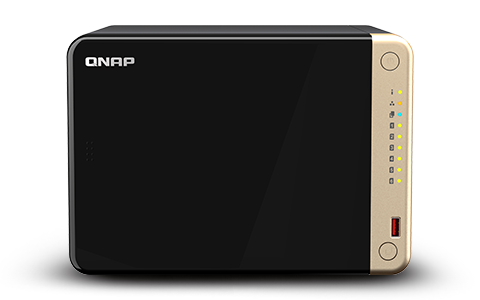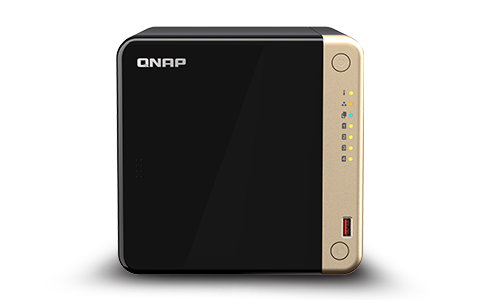
Fully optimized for Plex Media Server, QNAP mitigates network buffering and delivers lossless 4K HDR video and high-resolution audio passthrough directly to your display.

QNAP serves as the ultimate media hub. Through Plex Media Server, you can effortlessly organize your entire library and stream to Apple TV®, Google TV™ (previously Chromecast), Amazon Fire TV®, and DLNA®-compatible devices across your home network.
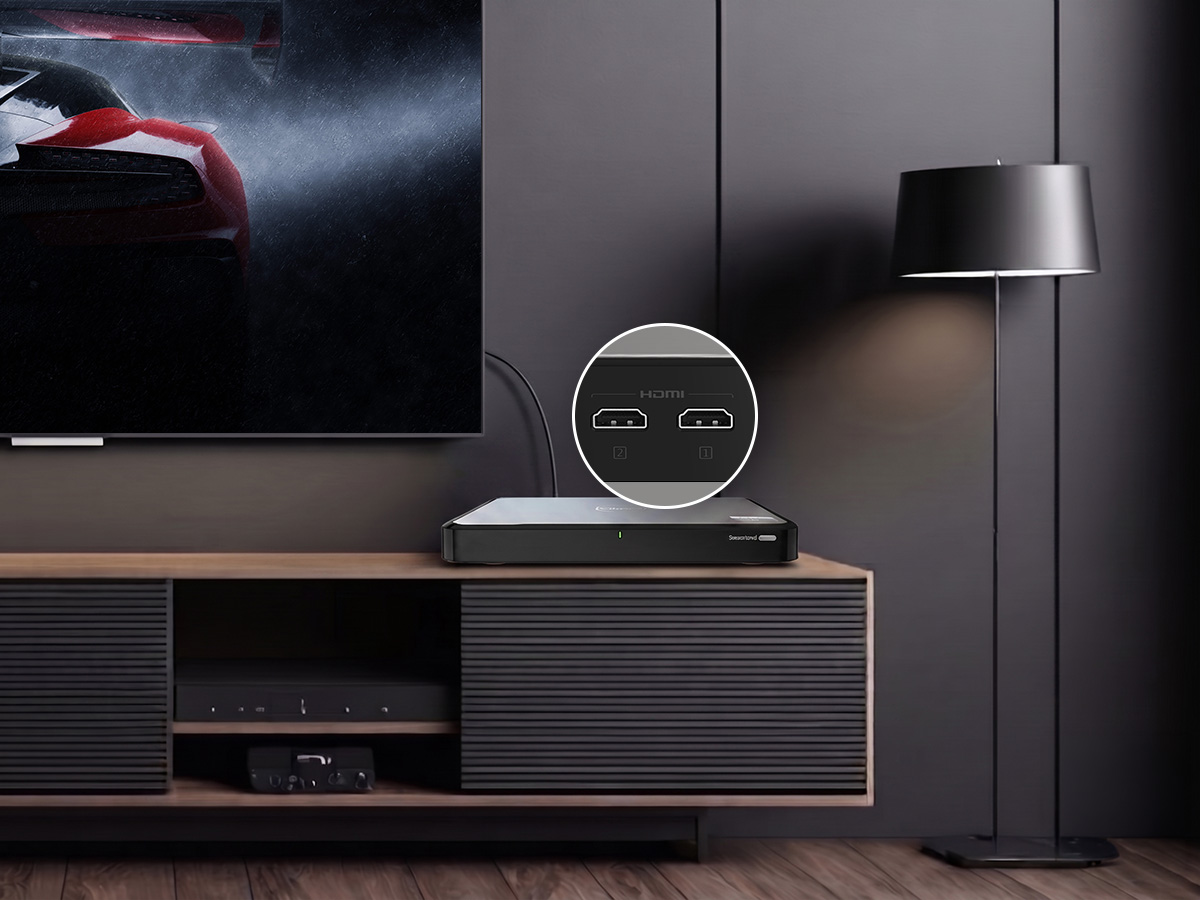
Unlike traditional network-dependent streaming setups, QNAP provides HDMI™ output for direct media playback. This physical connection bypasses network congestion and bandwidth bottlenecks, delivering lossless 4K HDR video passthrough and high-resolution audio passthrough directly to your AV receiver or TV.
Select QNAP models like TS-664 and HS-264 powered by Intel® Celeron® quad-core processors, enabling 4K H.264/H.265 hardware transcoding. This hardware-level acceleration ensures stutter-free playback across all your mobile screens and remote devices. (Note: 4K hardware transcoding requires an active Plex Pass subscription when using Plex Media Server).
High-bitrate 4K UHD movies demand immense space, often exceeding 80GB per film. QNAP offers multi-bay scalability and hybrid HDD/SSD configurations, allowing you to build a personal multi-terabyte movie vault that seamlessly expands as your digital library grows.
A frequent bottleneck in home cinemas is network bandwidth. High-bitrate 4K content can demand bitrates exceeding 80Mbps. While a standard Gigabit Ethernet (1GbE) connection might handle a single stream, streaming multiple high-bitrate 4K files simultaneously will quickly saturate a 1GbE link, resulting in buffering and playback lag. This makes QNAP's direct HDMI™ output and dual 2.5GbE ports essential for uncompromised home cinemas.
Understanding the difference between traditional network streaming and direct HDMI™ output is critical for 4K media playback.
Subject to Wi-Fi instability, bandwidth bottlenecks, and network latency. Often requires video compression, impacting visual fidelity.
Delivers a physical signal path bypassing the local network. Ensures minimal latency, lossless 4K HDR video passthrough, and high-resolution audio passthrough.
Running a Plex Media Server requires significant computational power, especially when streaming to remote devices that require real-time format conversion.
Smoothly downscale 4K HDR files for playback on mobile devices by offloading the conversion process, significantly reducing CPU load. (Note: Hardware transcoding requires an active Plex Pass subscription).
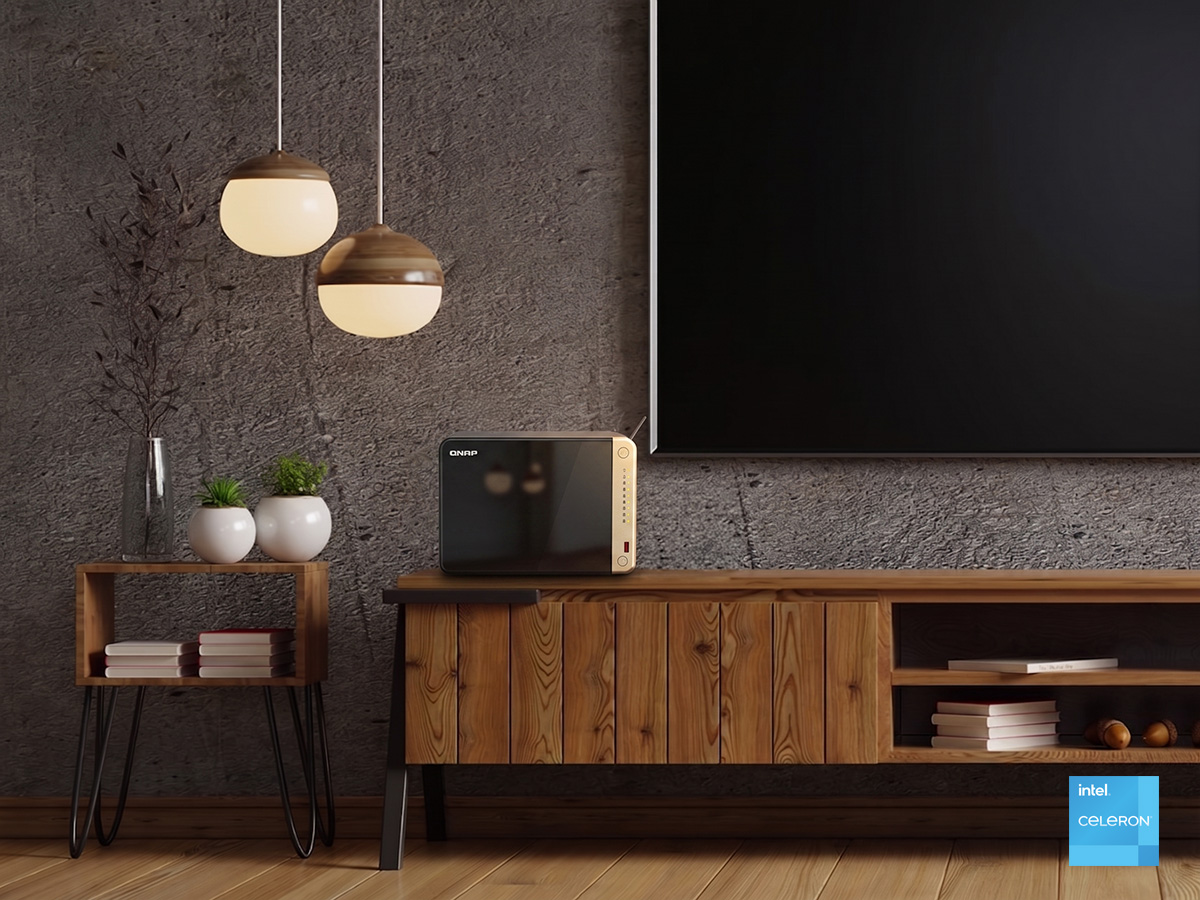
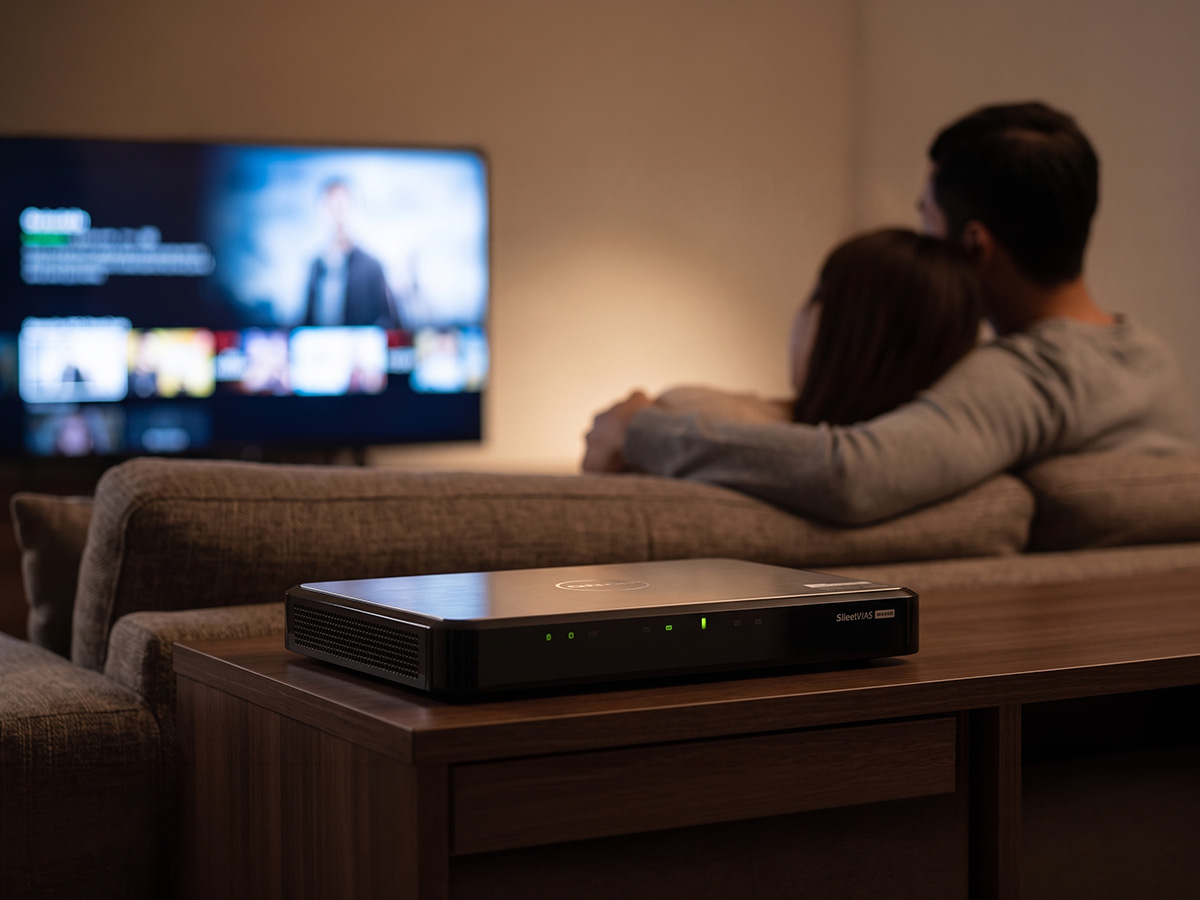
In home theater environments, controlling ambient noise is critical. The mechanical hum of cooling fans and hard drives can impact the audio experience during quiet cinematic moments.
To address ambient noise in home theaters, QNAP offers fanless models like the HS-264, engineered with a set-top box form factor. This architecture ensures ultra-quiet operation through specific design optimizations:
The chassis functions as a thermal heatsink, eliminating the mechanical hum of internal cooling fans.
Specialized drive trays help dampen mechanical vibrations when traditional HDDs are installed.
Users can pair the fanless chassis exclusively with solid-state drives (SSDs) to create a completely silent, mechanical-free media vault.
| Feature | Specification | The Home Theater Benefit |
|---|---|---|
| Visual Output | HDMI™ output for direct media playback | Direct-to-display playback without network compression. |
| Compute Engine | Intel® Processors | Models like the TS-664 provide dedicated power for flawless Plex hardware transcoding. |
| Network Speed | Dual 2.5GbE Ports | Provides comfortable bandwidth headroom for multiple simultaneous high-bitrate 4K direct play streams. |
| Storage Flexibility | HDD + SSD Hybrid Support | High-capacity HDDs for media storage, combined with M.2 SSDs for accelerated library indexing and metadata access. |
| Ecosystem | QTS / QuTS hero | Native support for Plex Media Server with one-click installation via the App Center. |
QNAP RAID and AI-powered DA Drive Analyzer protect your media collection from unexpected drive failures.
Your meticulously curated digital library is protected against accidental deletion or malware with block-level snapshots.
Common concerns about QNAP Home Cinema NAS implementation and deployment.
A: While the free version of Plex works perfectly for direct playback, purchasing a Plex Pass unlocks Hardware Transcoding. We highly recommend it to fully utilize the Intel processor in your QNAP NAS, allowing for stutter-free 4K conversion to mobile devices.
A: For the ultimate silent setup, pure SSDs are unmatched. However, for massive 4K libraries, a hybrid approach is best: use high-capacity NAS-grade HDDs (like WD Red or Seagate IronWolf) for media storage, and utilize the M.2 SSD slots for system caching and Plex metadata to drastically speed up navigation.
A: Yes, it is incredibly simple. Just go to https://Plex.tv, sign in, and click Launch. You can easily access the Plex Media Server running on your QNAP from anywhere in the world via your web browser.
Built specifically for media enthusiasts, QNAP NAS offers stable storage, direct HDMI™ playback, and a universal media hub for your cinematic and audio libraries.